
World of Anterra on Steam Deck: What the Store Data Shows
Steam lists World of Anterra for Windows only with no Steam Deck rating recorded, though full controller support and modest specs are noted.
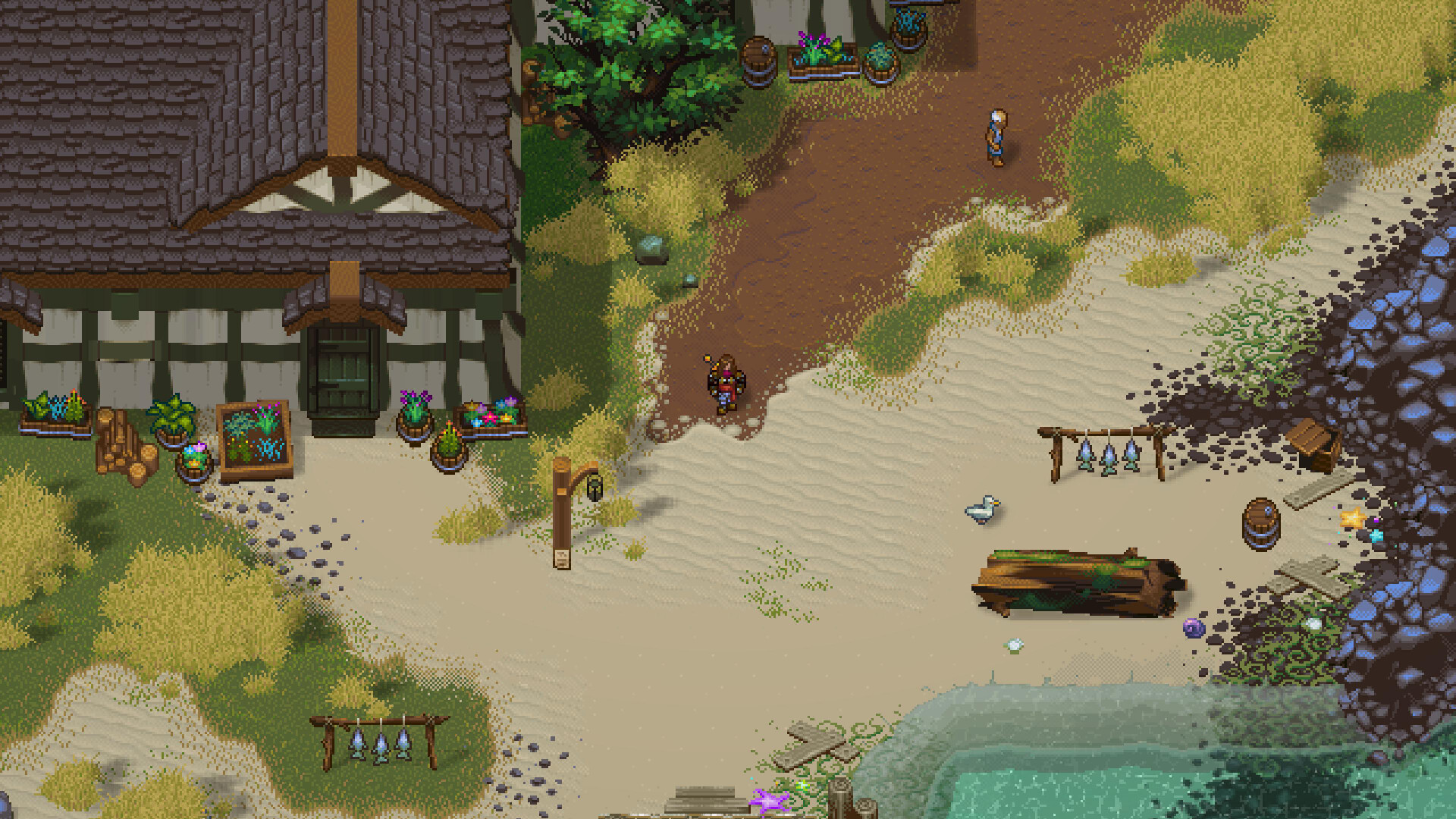
Does World of Anterra Run on Steam Deck?
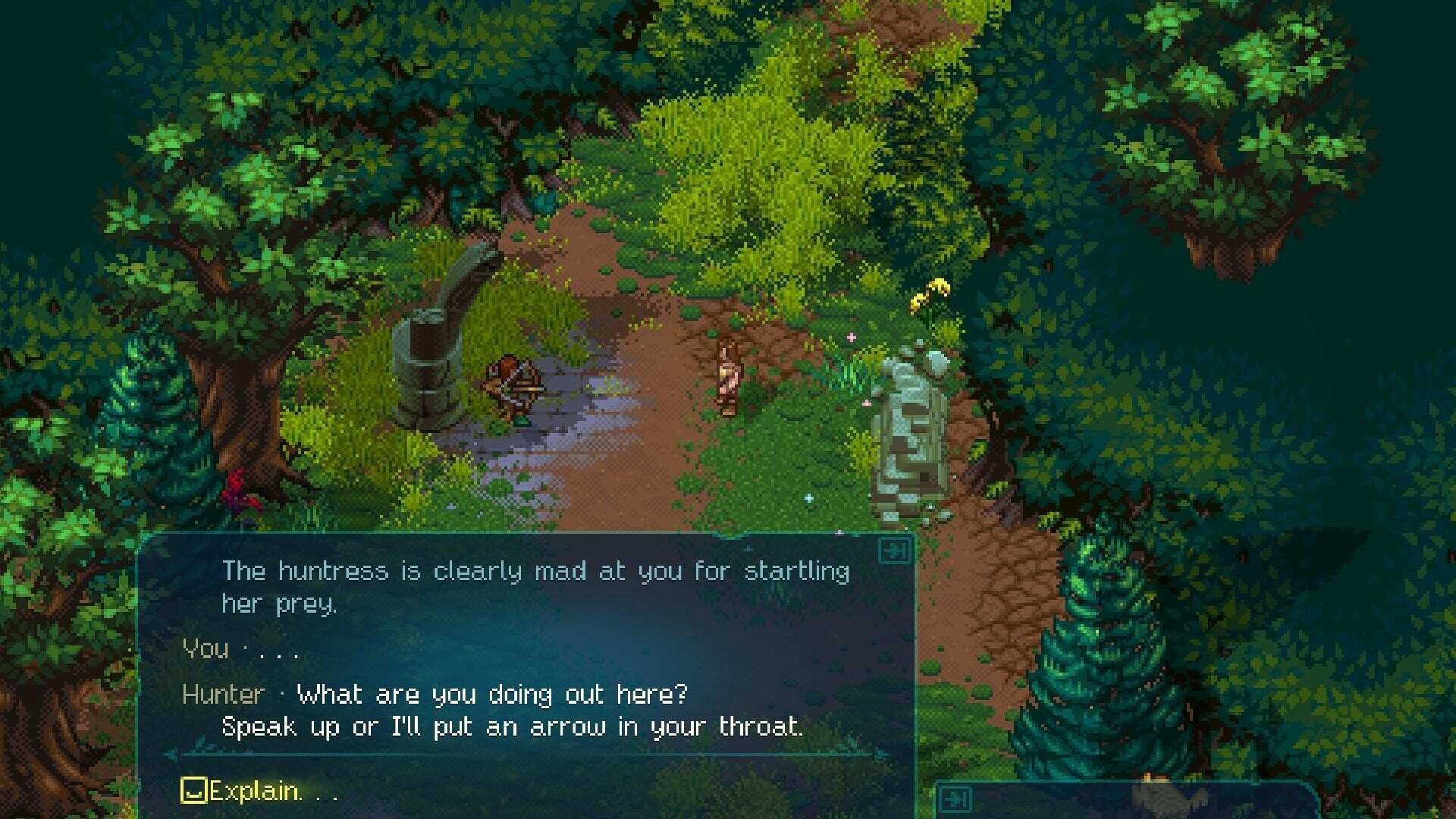
Steam's store data for World of Anterra (App ID 2402470) carries no Steam Deck Verified or Playable designation, and the recorded platform field lists Windows only — macOS and Linux are both marked false. That is not the same as a confirmed incompatibility. Steam Deck installs Windows games through a compatibility layer, and Valve's Deck rating is a separate label that may simply not be assigned yet. The honest answer for now: treat Steam Deck support as unconfirmed rather than verified, and check the live store page before you buy.
Platform and Controller Details in the Listing
The store metadata does record several things that matter for handheld play, even without a Deck badge.
| Store field | Recorded value |
|---|---|
| Listed platforms | Windows only |
| Steam Deck compatibility rating | Not present in the recorded data |
| Full controller support | Yes |
| Steam Input API support | Yes |
| DualShock / DualSense controller support | Listed |
| Steam Cloud | Listed |
| Remote Play Together | Listed |
| Store genres | Adventure, Indie, RPG |
| Storage required | 6 GB available space |
Full controller support and Steam Input API support mean the game is built to be played with a gamepad rather than a keyboard and mouse, which is the part of the Steam Deck experience that store tags can actually speak to. They do not tell you anything about frame rate, text size on a 7-inch screen, or battery life.
What the Published Requirements Suggest
The minimum specification calls for Windows 10, an Intel Core 2 Duo E8600 or AMD Phenom II X4 945, 4 GB RAM, an AMD Radeon R5 230 or Nvidia GeForce GT 610, DirectX 11, and 6 GB of storage. The recommended tier raises memory to 8 GB RAM on Windows 10 or 11.
Those are light numbers by modern standards, and the small install size makes the game easy to keep on a Deck's drive. But this is inference, not a benchmark: Valve's hardware and a desktop GPU are not directly comparable, and the listing contains no measured performance figures at all. System requirements describe what the developer says the game needs on Windows — they do not prove how it behaves under a compatibility layer.
Before You Buy
- Open the Steam store page and look for a Deck compatibility banner; the rating is the only authoritative signal, and it can change as Valve tests games.
- Confirm the current platform field. If Windows remains the only listed OS, any Deck play depends on compatibility tooling rather than a native build.
- Factor in the 6 GB install size, which leaves plenty of room on internal or expandable storage.
- Remember that controller support and handheld ergonomics are different questions. Gamepad input is advertised; readability and touch-target sizing are not documented.
All of the figures above come from the official Steam app details for World of Anterra: official Steam app details.
Related Guides
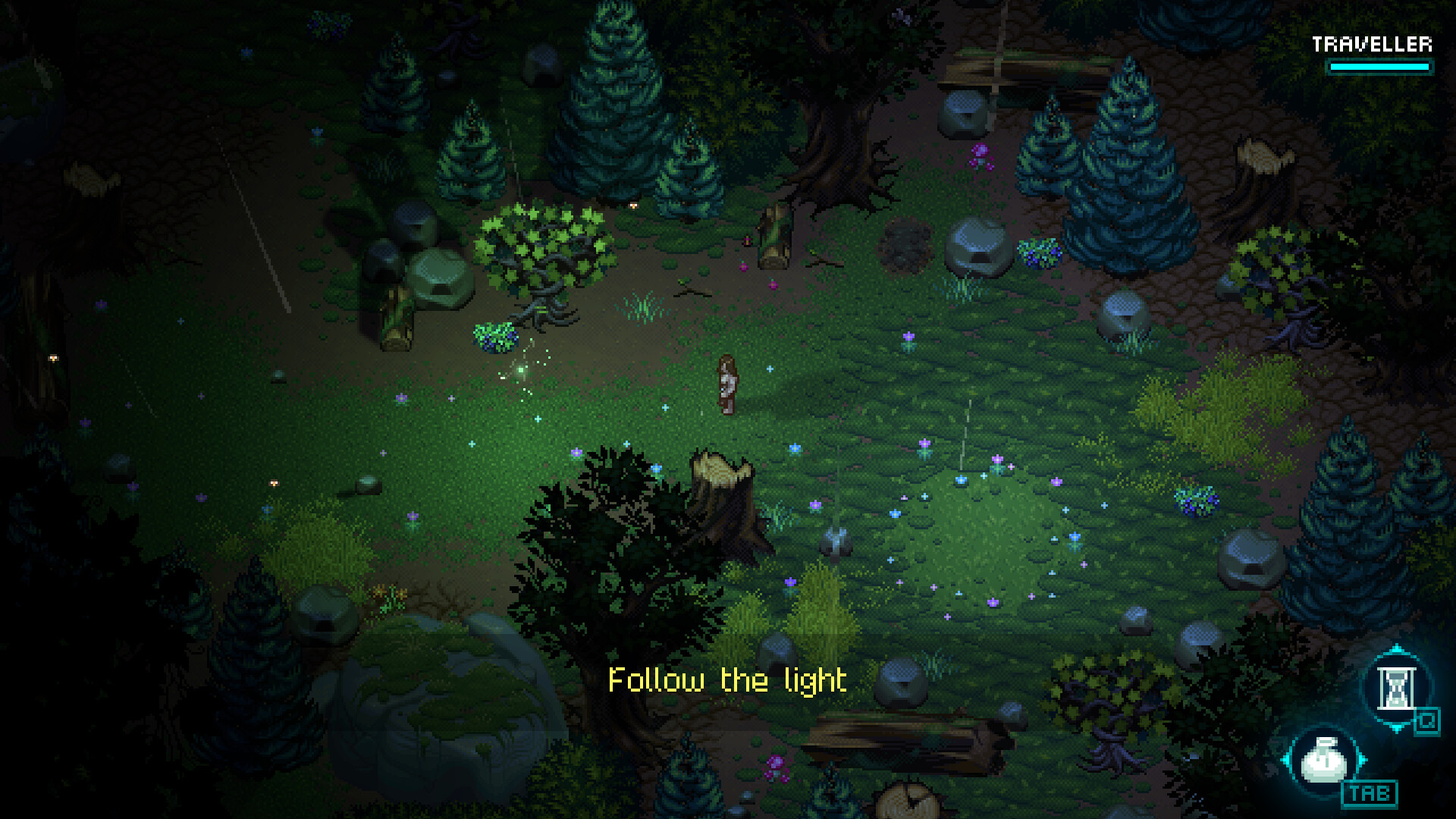
World of Anterra Mobile Release: Android and iOS Status
No Android or iOS version of World of Anterra has been announced. See what the official store data lists and what PC players need instead.
World of Anterra Multiplayer and Co-Op: What Steam Lists
World of Anterra's Steam listing tags multiplayer, online and split-screen co-op, cross-platform play, and Remote Play Together.
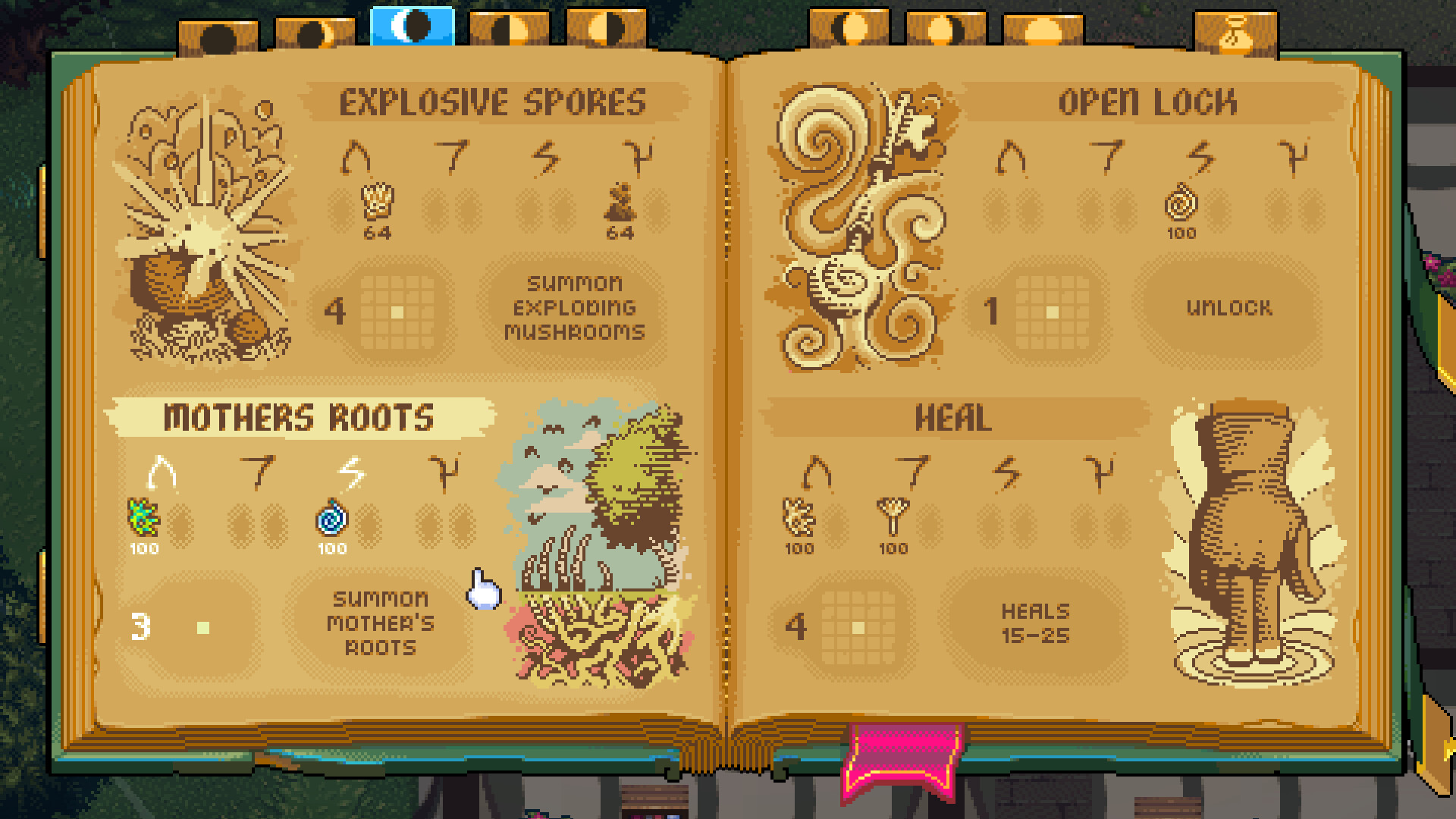
World of Anterra Platforms: Windows PC via Steam
World of Anterra's Steam store metadata lists Windows support only, with no macOS or Linux versions recorded.
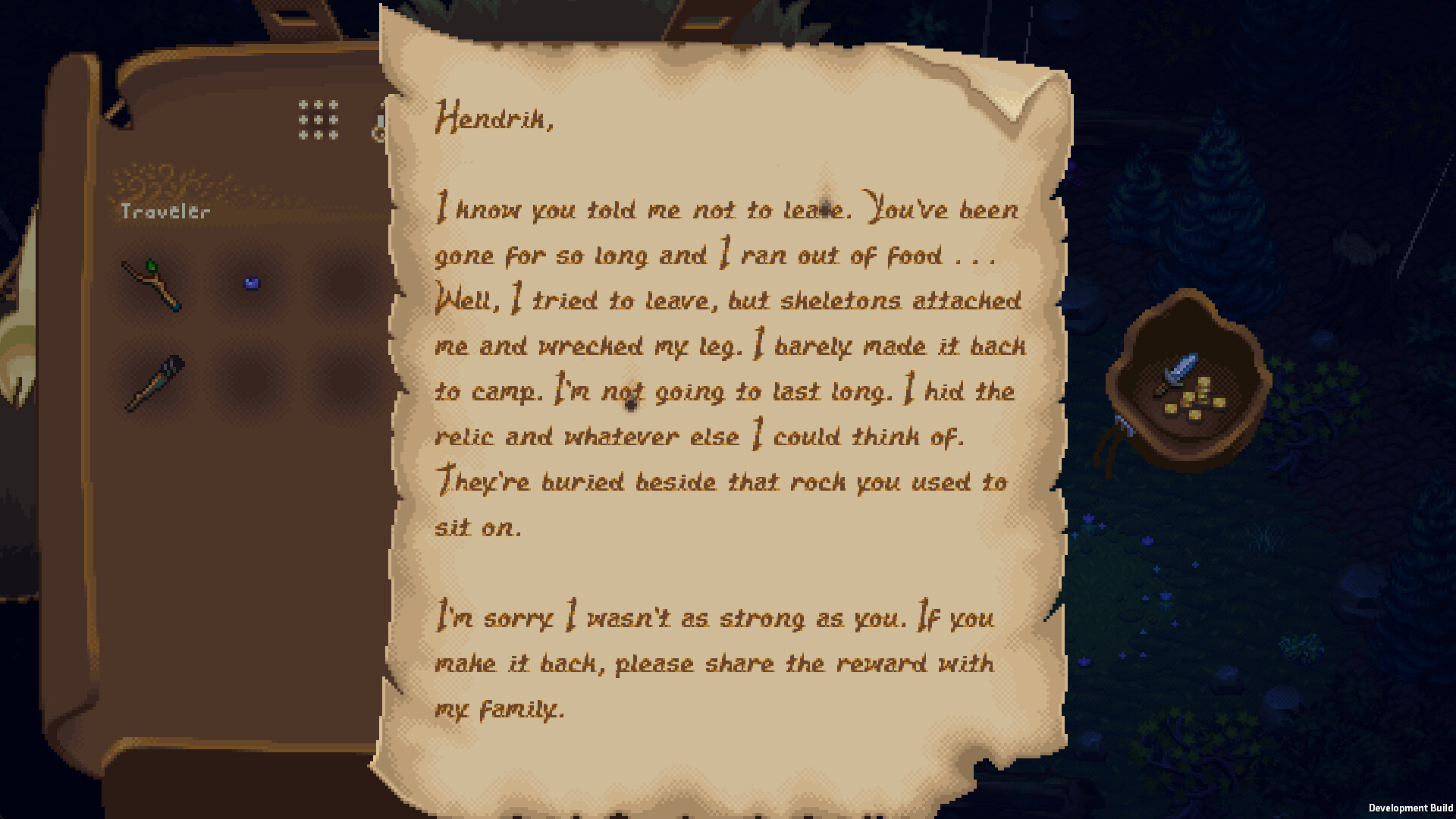
World of Anterra on Steam: Store Listing, Specs, and Features
World of Anterra is listed on Steam as App ID 2402470, a Windows-only Adventure/Indie/RPG with modest specs, 16 audio languages, and co-op tags.