
World of Anterra System Requirements for Windows PC
World of Anterra's Steam listing lists Windows 10 minimum and Windows 10 or 11 recommended, with 4 GB or 8 GB RAM and 6 GB storage.
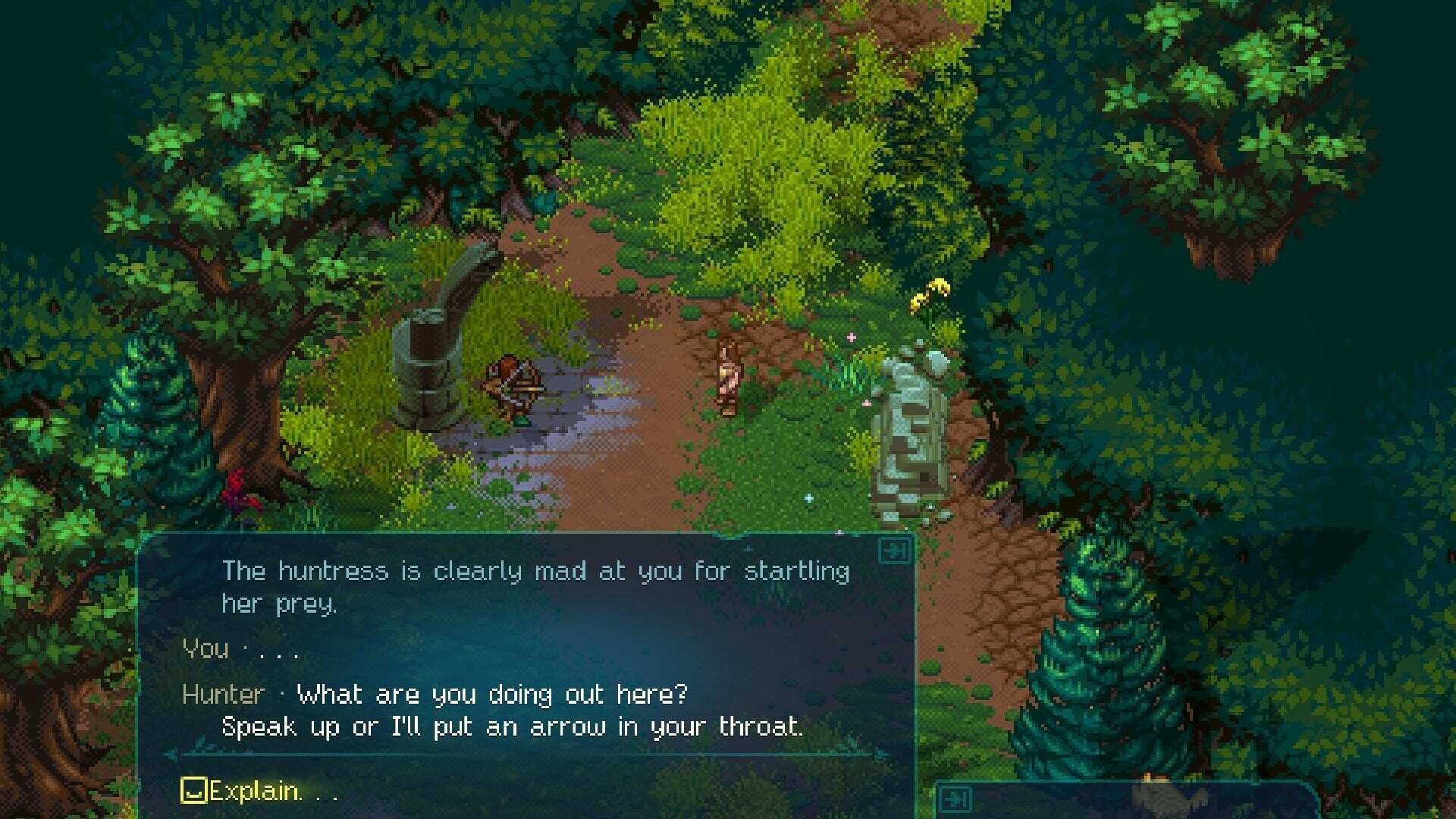
World of Anterra System Requirements on Steam
World of Anterra’s Steam listing gives a Windows PC baseline of Windows 10, 4 GB of RAM, DirectX 11, and 6 GB of available storage. The recommended tier raises memory to 8 GB and lists Windows 10 or Windows 11, while keeping DirectX 11 and the same 6 GB storage figure. These are the published store specifications, not measured frame-rate results. See the Steam listing for the recorded fields.
| Component | Minimum | Recommended |
|---|---|---|
| Operating system | Windows 10 | Windows 10, Windows 11 |
| Processor | Intel Core 2 Duo E8600 or AMD Phenom II X4 945 | AMD FX 4300 or Intel Core i3 2120 |
| Memory | 4 GB RAM | 8 GB RAM |
| Graphics | AMD Radeon R5 230 or Nvidia GeForce GT 610 | AMD Radeon R5 340X or Nvidia GeForce GTS 450 |
| DirectX | Version 11 | Version 11 |
| Storage | 6 GB available space | 6 GB available space |
The processor and graphics rows present alternatives, so either listed part satisfies that line item. The main practical difference between the two tiers is the memory increase from 4 GB to 8 GB, along with the different processor and graphics options.
Platform and performance notes
Steam’s platform field marks Windows as supported and Mac and Linux as unsupported. The listing does not provide separate specifications for those other operating systems.
For a compatibility check, compare your operating system, processor, graphics hardware, memory, DirectX support, and free drive space against the table. The published tiers do not state a target resolution, frame rate, or graphics preset. Treat the minimum tier as the listed compatibility baseline rather than a guarantee of smooth performance, and use the recommended tier as the higher published configuration.
Related Guides
World of Anterra Mobile Release: Android and iOS Status
No Android or iOS version of World of Anterra has been announced. See what the official store data lists and what PC players need instead.
World of Anterra Multiplayer and Co-Op: What Steam Lists
World of Anterra's Steam listing tags multiplayer, online and split-screen co-op, cross-platform play, and Remote Play Together.
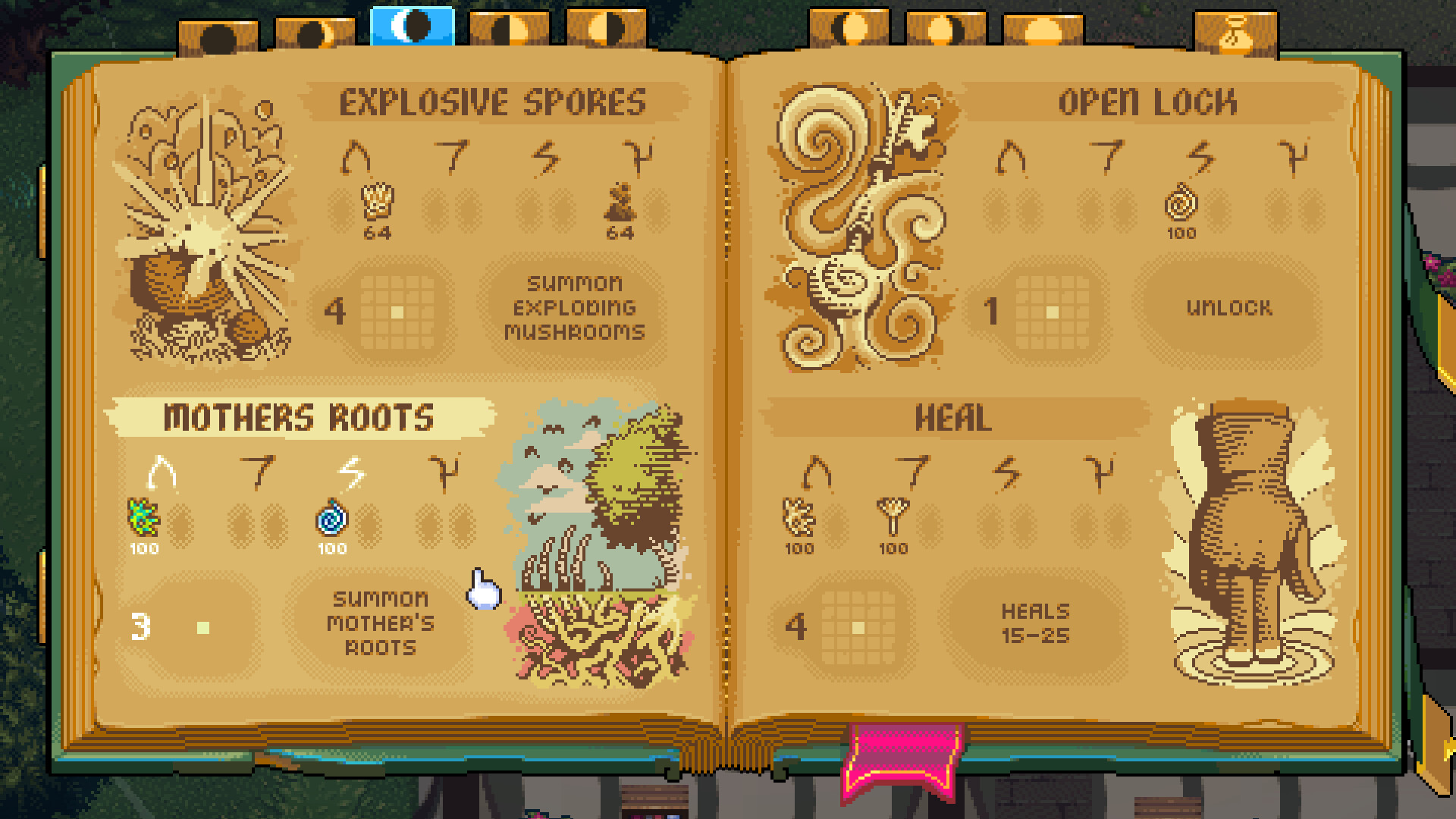
World of Anterra Platforms: Windows PC via Steam
World of Anterra's Steam store metadata lists Windows support only, with no macOS or Linux versions recorded.
World of Anterra on Steam: Store Listing, Specs, and Features
World of Anterra is listed on Steam as App ID 2402470, a Windows-only Adventure/Indie/RPG with modest specs, 16 audio languages, and co-op tags.